Morse Code Translator Browser Extension — Chrome, Firefox & Edge
Highlight any text on any webpage, right-click, and see it instantly converted to Morse code — complete with authentic audio playback. Free, lightweight, and built by the team behind morsecode.live.
Available now on Chrome, Firefox, and Microsoft Edge. More browsers are in development.
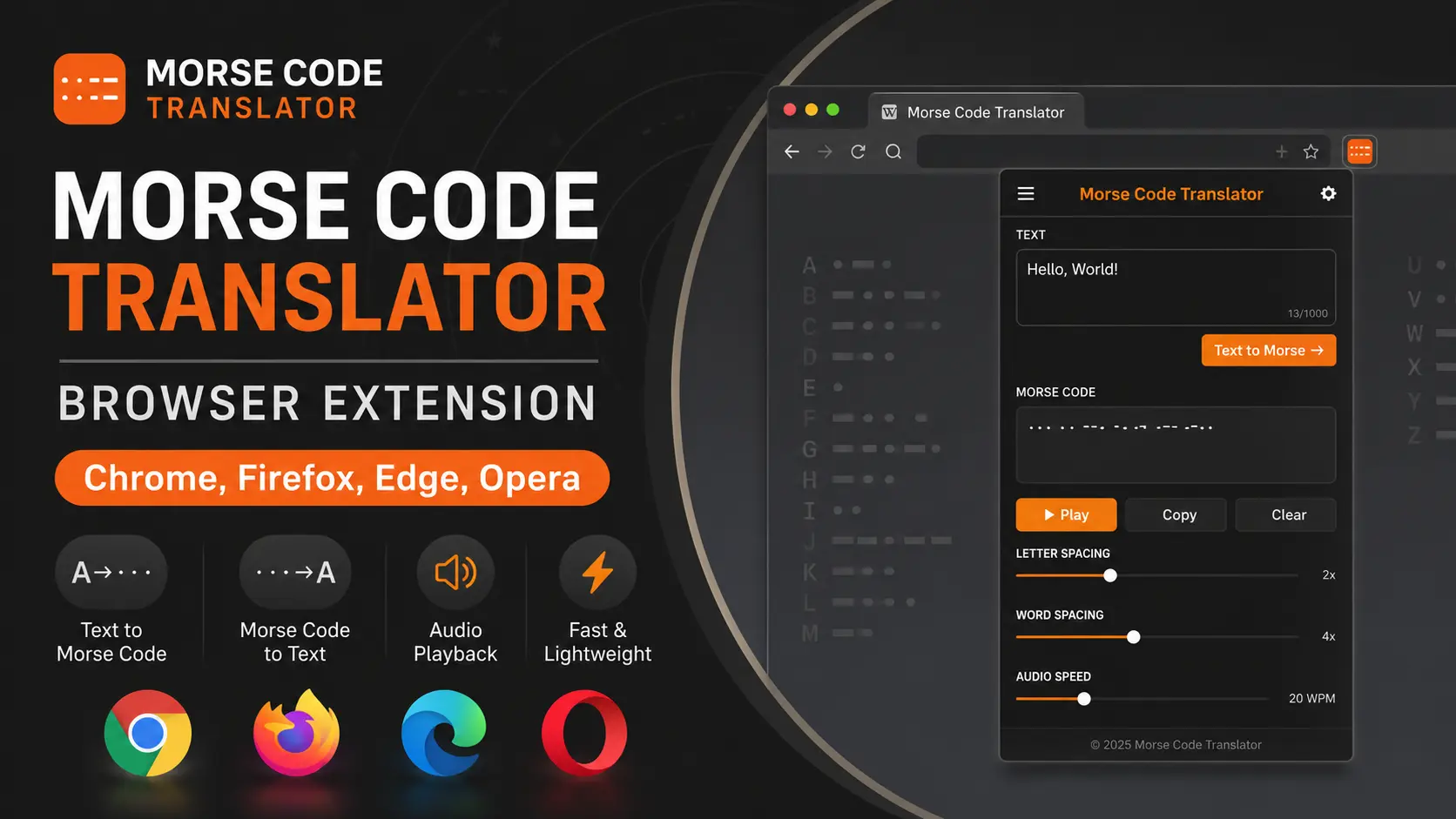
What Is the Morse Code Translator Extension?
The Morse Code Translator extension is a free browser add-on that converts any highlighted text into Morse code directly on the page you’re reading, and can also decode Morse code back into plain text. It works through a right-click context menu and a toolbar popup, plays each translation as authentic dot-and-dash audio using the international standard timing (15 words per minute, 600 Hz tone), and requires no account, no sign-up, and no data collection. It is built and maintained by morsecode.live, an independent Morse code education and tools resource.
How the Morse Code Extension Works
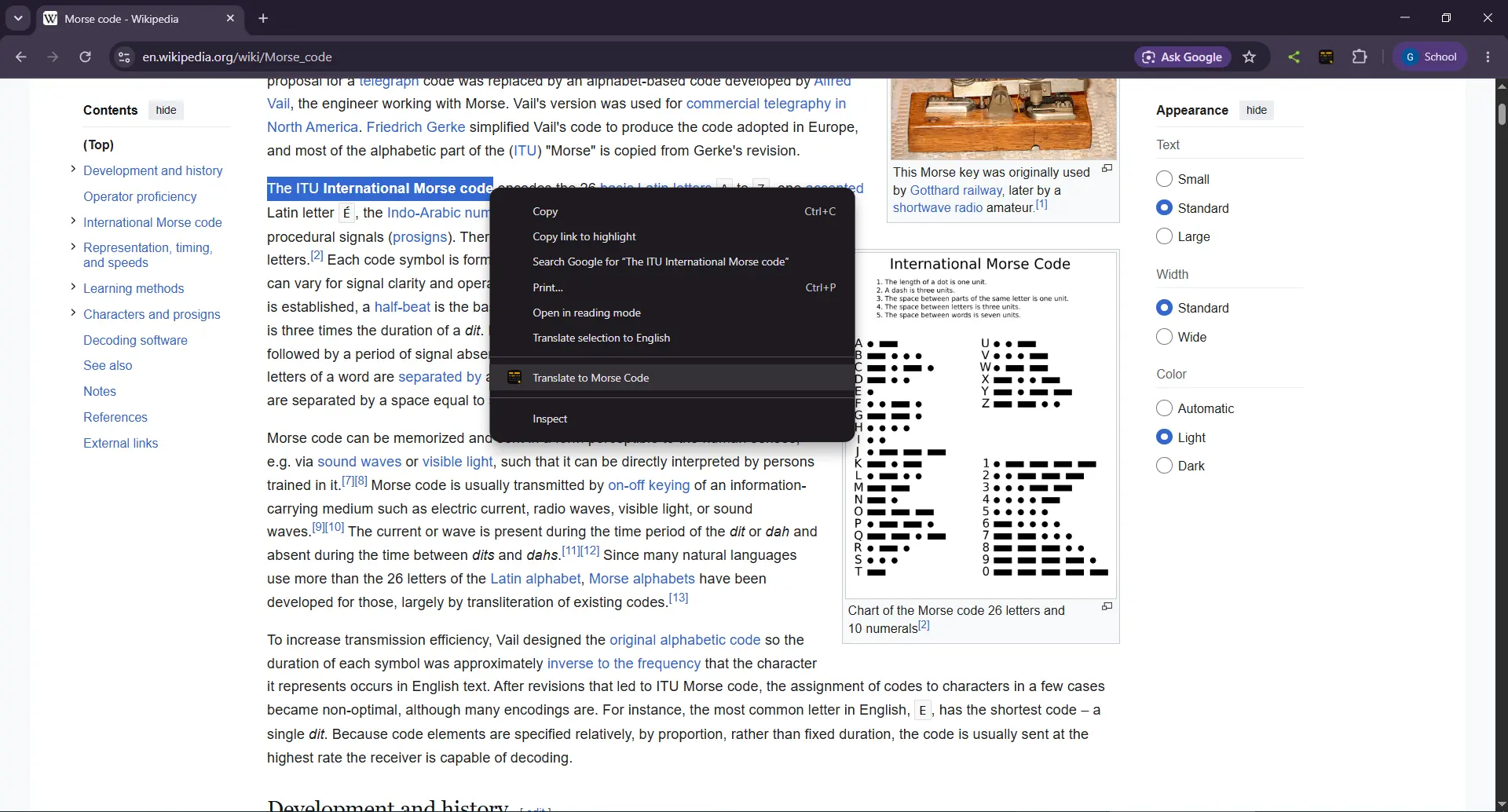
1. Select any text on any webpage
Highlight a word, sentence, or short passage — on any site, in any browser tab.
2. Right-click and choose “Translate to Morse Code”
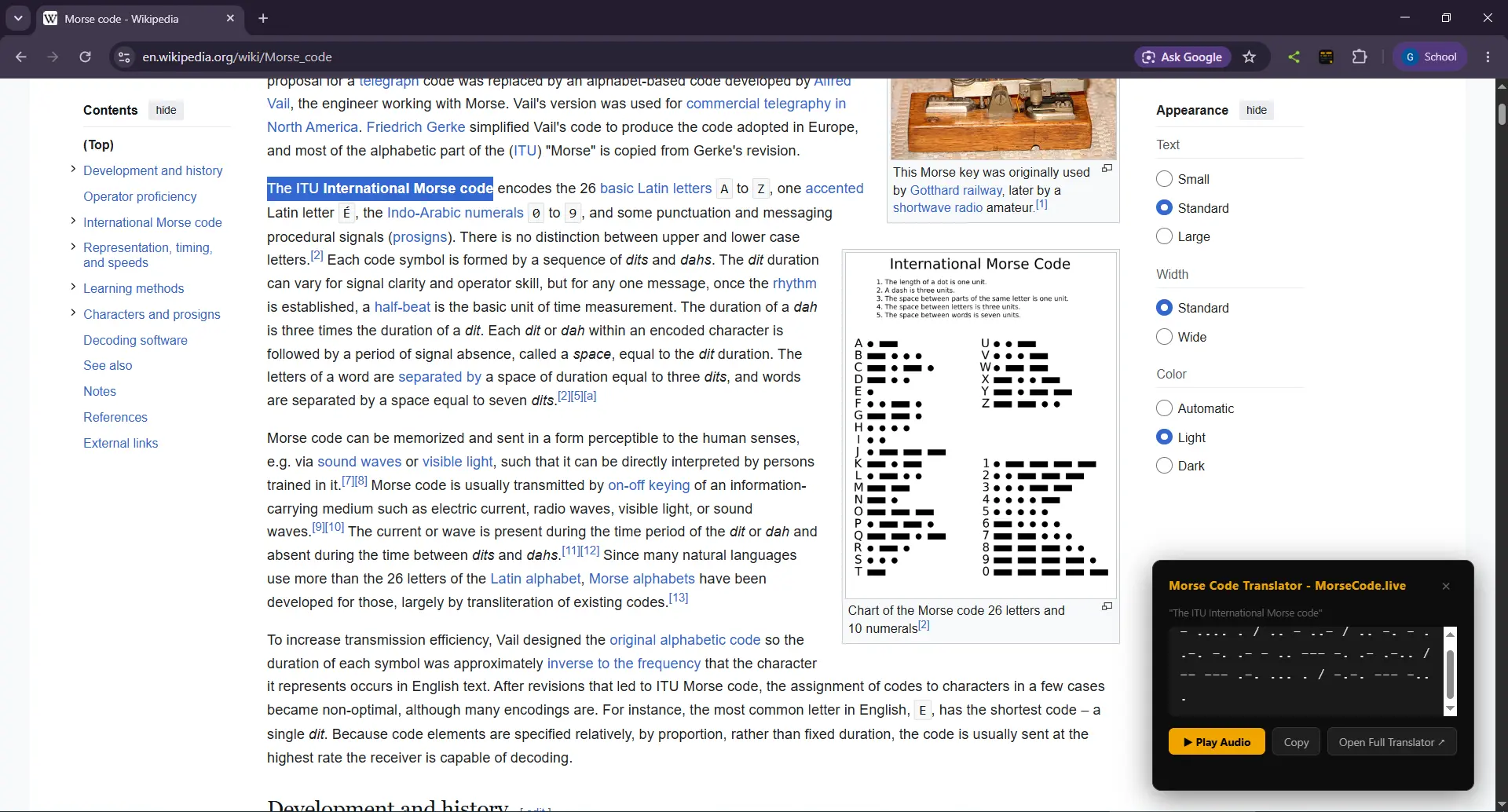
A small overlay appears directly on the page showing your text converted to Morse instantly, with no page reload and no redirect.
3. Play the audio, copy it, or open the full translator
Tap Play to hear it as real Morse code audio, tap Copy to grab the code, or jump to the full morsecode.live translator for longer text.
Toolbar Popup: Translate Both Directions
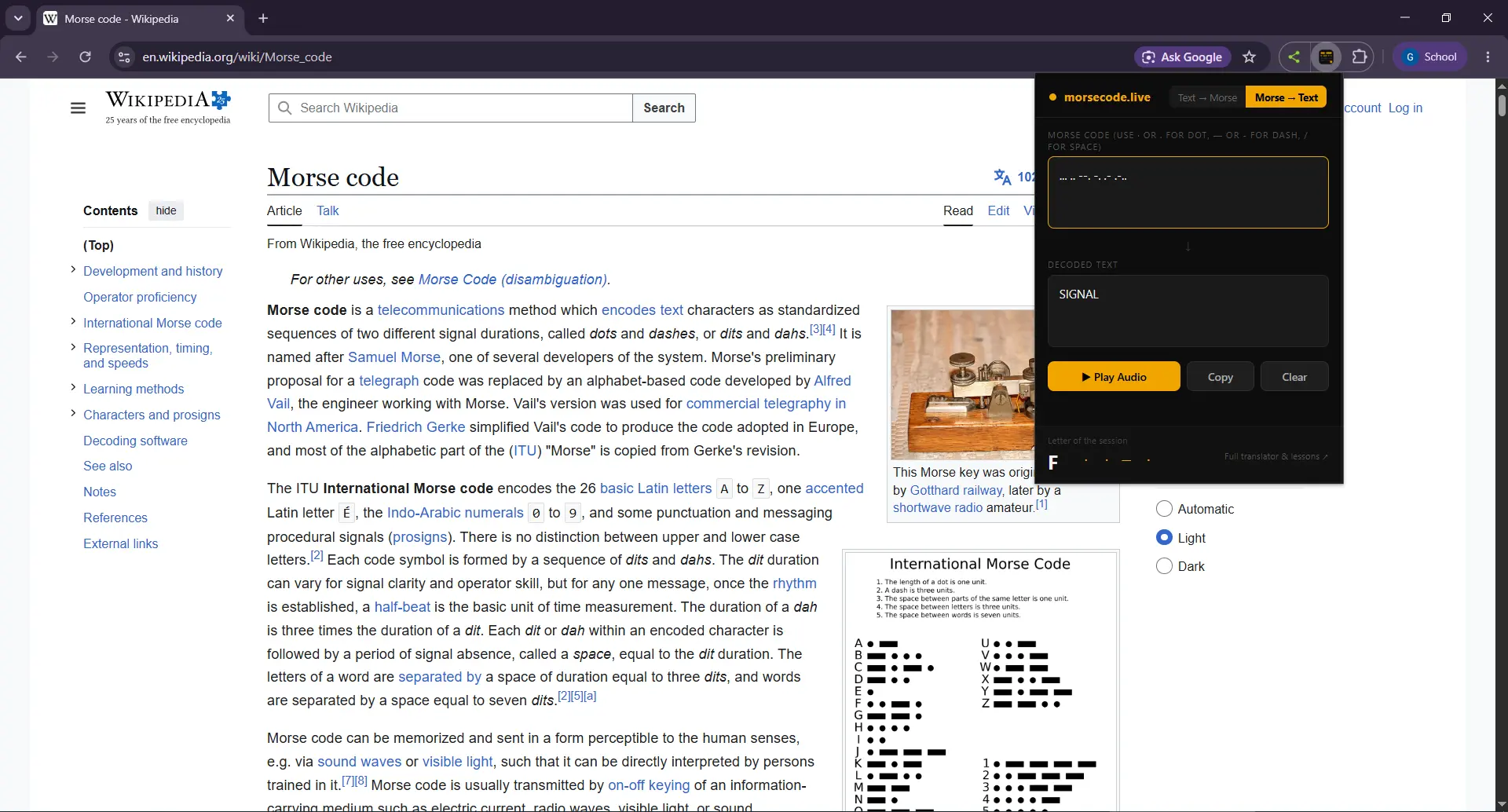
Clicking the extension icon opens a compact popup with two modes: Text → Morse and Morse → Text. Type or paste in either direction, and the translation updates as you go.
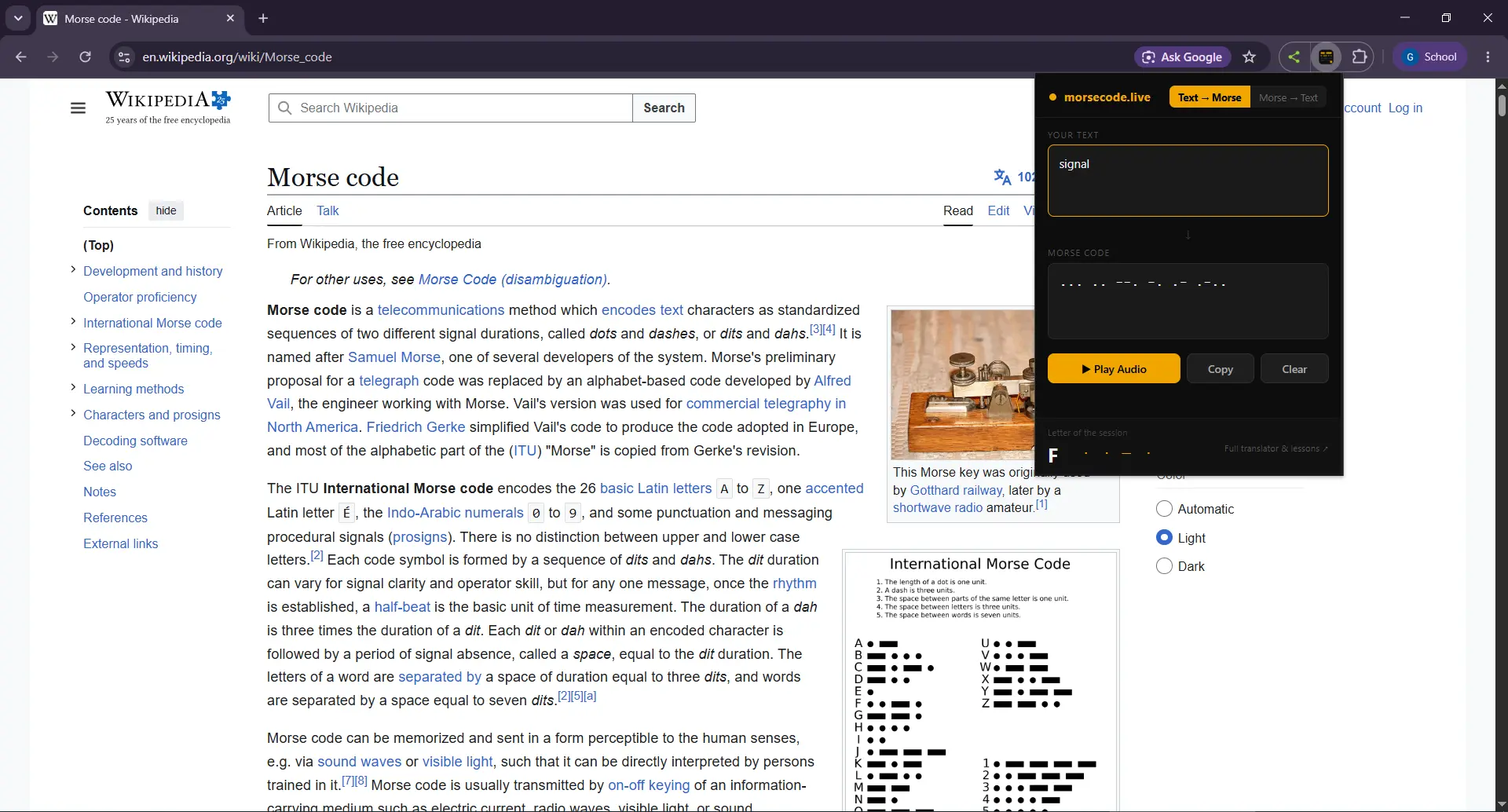
The popup also plays audio, copies results to your clipboard, and shows a rotating “letter of the session” mini-lesson so every time you open it, you pick up a little more Morse code.
Features
- Right-click translation — Translate any selected text on any webpage without leaving the page.
- Two-way conversion — Text to Morse and Morse to text, both built into the popup.
- Real audio playback — Hear accurate dot/dash timing at standard 15 WPM using the Web Audio API, not a recording.
- One-click copy — Copy the translated Morse code or decoded text straight to your clipboard.
- Works everywhere — Runs on any website, in any tab, with no page-specific setup.
- Minimal permissions — Only requests the access it needs to function: context menu, the active tab, and clipboard write. No browsing history access, no analytics, no third-party trackers.
- Letter-of-the-session tip — A small built-in flashcard that helps you memorize the Morse alphabet passively over time.
- Free, no account required — No sign-up, no login, no premium tier.
Morse Code Extension: Chrome vs. Firefox vs. Edge
| Feature | Chrome | Firefox | Edge |
|---|---|---|---|
| Right-click translation | ✅ | ✅ | ✅ |
| Text → Morse & Morse → Text popup | ✅ | ✅ | ✅ |
| Audio playback (15 WPM) | ✅ | ✅ | ✅ |
| Copy to clipboard | ✅ | ✅ | ✅ |
| Manifest V3 | ✅ | ✅ | ✅ |
| Price | Free | Free | Free |
Feature parity is identical across all three browsers — the same extension core, packaged for each store.
Why Use a Browser Extension Instead of a Website?
A browser extension removes the extra step of switching tabs. If you’re reading an article, a chat log, a puzzle, or a message that uses Morse code, you can translate it where it appears instead of retyping it into a separate site. That’s the entire reason this extension exists: it’s the fastest path from “I see Morse code” or “I want to send Morse code” to an answer, without breaking your reading flow.
It’s built and maintained by the Morse Code Live team, the same team behind morsecode.live‘s translator, lessons, and practice tools. The extension shares the same translation logic as the website, so results are consistent whether you use the extension, the site, or the API.
Common Questions About the Morse Code Extension
Is the Morse code extension free?
Yes. The extension is completely free on Chrome, Firefox, and Edge, with no account, subscription, or in-app purchase.
Does the extension collect my data or browsing history?
No. It only requests the permissions needed to show the right-click menu, read the currently active tab, and write to your clipboard. It does not track browsing history, does not use analytics scripts, and does not send your text to a server — translation happens locally in your browser.
Can it translate Morse code back into normal text?
Yes. The toolbar popup has a Morse → Text mode in addition to Text → Morse, so you can decode Morse code you find online or receive from someone else.
Does it play Morse code as sound?
Yes. Both the right-click overlay and the popup include a Play Audio button that generates real dot-and-dash audio at the standard 15 words-per-minute timing, so you can practice listening the way it actually sounds over radio.
Will it work on any website?
Yes. The extension works on any webpage in any tab — news sites, social media, documents, anywhere you can select text.
Is an Opera version available?
Chrome, Firefox, and Edge are live now. Additional browser support is in progress — check this page for updates.
Learn Morse Code Beyond the Extension
The extension is built for quick, on-page translation. For learning the Morse alphabet from scratch, practicing your speed, or generating things like Morse code tattoos and bracelets, visit the full toolset at morsecode.live, including the Morse code alphabet guide and the Morse code words reference. You can also follow along with tutorials on our YouTube channel.
